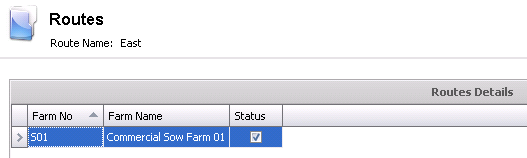
Routes are used in SIM Movements. It is used to define farms that are grouped together for transportation and will be used in planning movements.
In Admin>Business>SMTS>Definitions, select Processing Rejection Code.
Select the  button to create
a new record.
button to create
a new record.
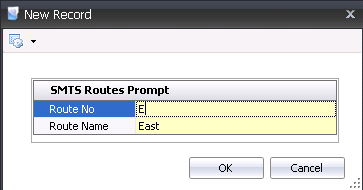
Enter the Route No to identify the route. Alphanumeric, maximum 20 characters.
Enter the Route Name to describe the route. Alphanumeric, maximum 50 characters.
Click the OK button.
Click the button to add
new farms to the route details.
From the Farm No drop-down menu, select the SIM farm for the route.
Farm Name will default in from the Farm No.
Status will be selected by default. De-select the flag if the route is no longer active.