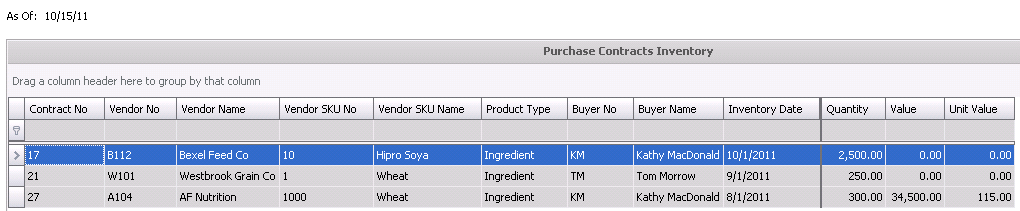
The Contract Inventory maintains the available quantities for contracts. As purchase orders are created for contracts, the contract inventory is depleted. Contract inventory will expire based on the following. If any of the following conditions are met, the contract will not appear in contract inventory.
The total quantity of the contract is allocated to purchase orders
 to view the available options.