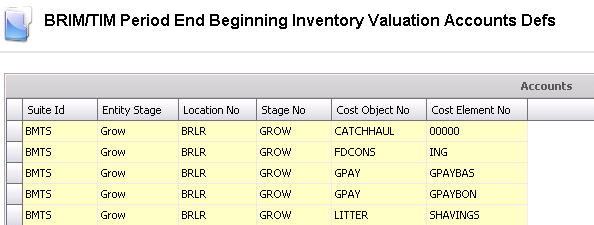
The BRIM/TIM accounts must be defined prior to using the Inventory Valuation Wizard. Accounts should be added where there are any existing balances or any that need to have balances entered. The accounts should be added for all required stages in the BRIM or TIM cycle. Depending on the nature of the business, these required stages may include BROOD and/or GROW.
 to
add an account detail line.
to
add an account detail line.