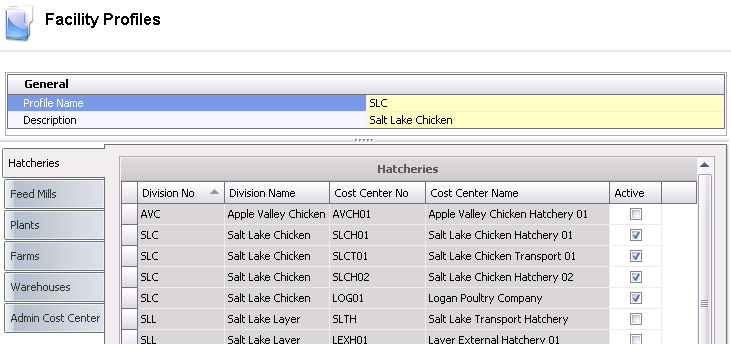
Facility Profiles are used to enable or disable the access to specific cost centers.
Table
Name: ProteinPermisssionsFacilitiesProfiles, ProteinPermisssionsFacilities
The following information is contained in the Facility Profiles document:
 button to create a new facility profile
The General section contains the name and description of the facility profile, and will default in from information entered in the New Record dialog box.
The Details section is comprised of six tabs:
Each tab displays all associated facilities (i.e. Hatcheries, Farms, Warehouses). In each tab, select all of the associated facilities and click the Active flag to enable access to the facility .If access is to be disabled, ensure the flag is not selected.