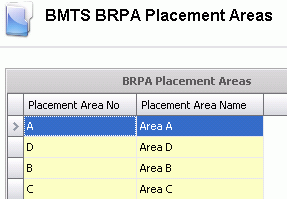
Placement Areas are used in the BRIM Farms>BRPA tab for planning purposes. When assigning the placement area, Entities will only be placed at the designated areas.
Table Name: BrpaPlacementAreas
In Admin>Business>Poultry>BRPA, select Placement Areas.
Select  to
create a new record.
to
create a new record.
Enter a Placement Area No to identify the placement area. Alphanumeric, max 20 characters.
Enter a Placement Area Name that describes the placement area. Alphanumeric, max 50 characters.
Save and Close the record.