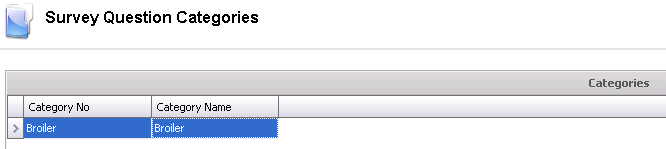
Question Categories are used to create categories for survey questions.
In Admin>Business>General>Definitions>Survey, select Question Categories.
Select  to
add a new category.
to
add a new category.
Enter a Category No to identify the category (alphanumeric, max 20 characters).
Enter a Category Name to describe the category.
Click the  button to save
the category before closing.
button to save
the category before closing.